
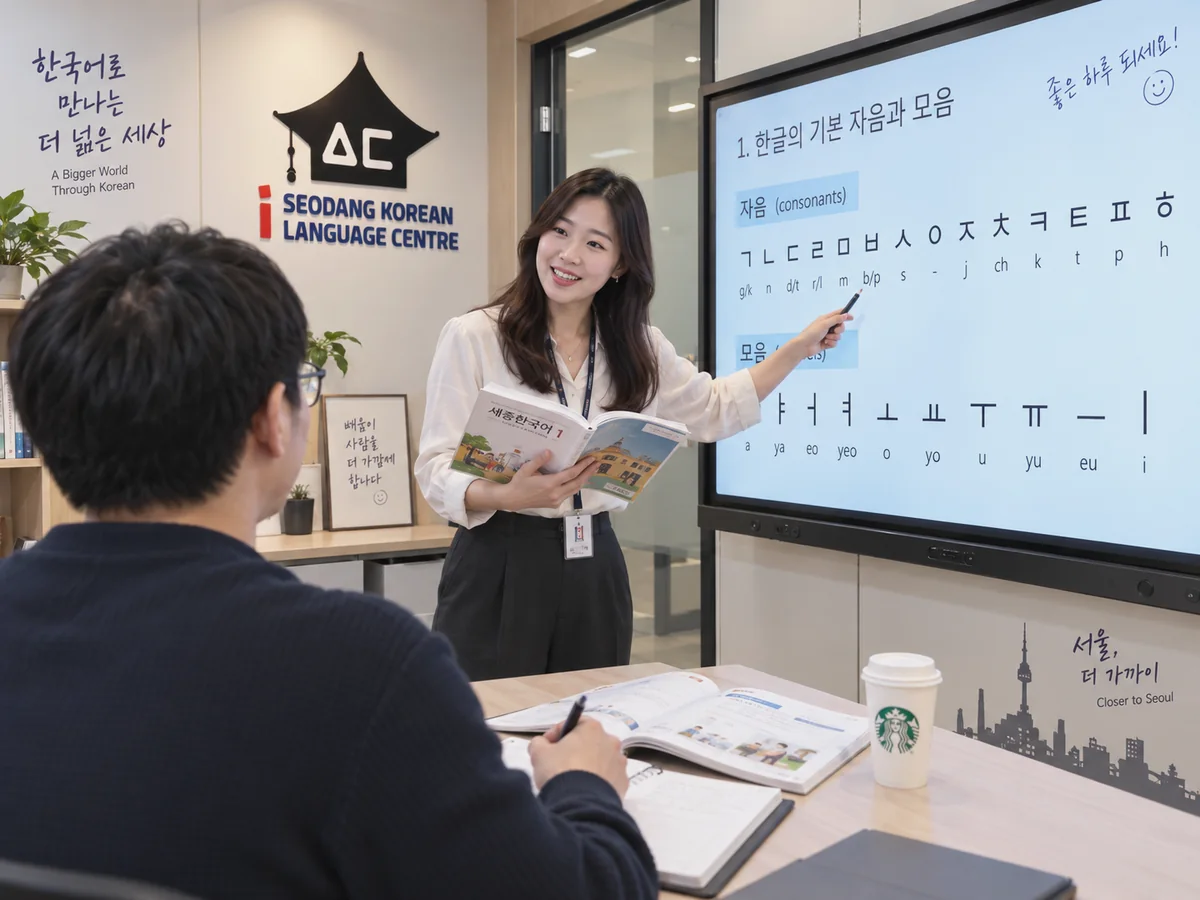
FREE · OPEN TO EVERYONE
Free Korean Resources
Hand-picked free tools and official materials to start Korean — from your first Hangul letter to TOPIK.
- 40Hangul letters to explore
- 13Free resources, hand-picked
- 5Languages
- RM 0Always free
Hangul Basics
Tap a letter to see its stroke order, hear it and trace it with your finger.
Progress is saved only on this device.
Your Hangul badges
Open every letter in a group to unlock its badge. Add your name and share it with friends!
Syllable Builder
Every Korean syllable is a block: initial consonant + vowel (+ an optional final consonant). Pick the parts and watch the block form.
Try: ㅎ + ㅏ + ㄴ = 한 · ㄱ + ㅡ + ㄹ = 글
Practice Tools
Six free tools for everyday Korean: pronunciation rules, numbers, particles, dictation, typing Hangul on an English keyboard and printable writing sheets.
Korean is not always read the way it is written. Pick a rule and a word to see and hear how it is really pronounced.
Korean has two number systems. Type a number to see both, plus how it is read for time, dates, money and counting.
Choose the right particle. The answer depends on whether the word ends with a final consonant (batchim).
Listen and write what you hear. Answers are checked letter by letter.
No Korean keyboard? Type with English letters as if a Korean keyboard were switched on — we turn it into Hangul.
Make an A4 Hangul writing sheet: pick the letters, choose how many rows, then print or save it as a PDF.
Your Hangul learning path
Follow the steps in order — each one takes you to the next page.
- 1Learn the lettersStroke order, sound and tracing — right here.Go
- 2Build syllablesCombine letters into real Korean blocks.Go
- 3Play Hangul ArcadeLock in what you learned with quick games.Go
- 4Type in KoreanPractise on the Korean keyboard.Go
- 5Check your levelTake the free level test and get a class recommendation.Go
Play & Practice
- iSeodangHangul ArcadeLearn the Korean letters naturally while playing Hangul games.Open
- iSeodangKorean Typing PracticeGet used to the Korean keyboard layout and build your typing speed.Open
- iSeodangHangul Writing SheetsPrintable writing practice sheets, available in our Download Centre.Open
- iSeodangThe Story of HangulKing Sejong, Hunminjeongeum and why Hangul is so scientific.Open
Free Official Textbooks & Dictionaries
Published by Korean government institutions. We link to the original source so you always get the latest version.
- Official · External siteNuri-Sejong HakdangSejong Korean textbooks as e-books, PDFs and audio. Free sign-up required.Open
- Official · External siteKing Sejong Institute Learning MaterialsA collection of Korean language and culture teaching materials.Open
- Official · External siteBasic Korean DictionaryA learners’ dictionary with meanings, example sentences and translations in English, Indonesian and more.Open
- Official · External siteKorean Teaching & Learning CentreLesson materials for Korean teachers from the National Institute of Korean Language.Open
- Official · External siteNational Hangeul MuseumExhibitions and resources on the history and culture of Hangul.Open
TOPIK Past Papers & Practice
- Official · External siteOfficial TOPIK WebsiteCheck the published past papers and the exam schedule.Open
- Official · External siteEPS-TOPIK Public QuestionsPublished questions from the Korean test for working in Korea (EPS).Open
- iSeodangiSeodang TOPIK Mock TestAn online mock test that feels like the real exam.Open
- iSeodangTOPIK Preparation CourseReach your target level with Korean teachers who specialise in TOPIK.Open
Free Korean tips, once a week
Four short lessons over 4 weeks, each with a link to practise right away. No spam — unsubscribe anytime.
- Week 1 · The 14 consonants
- Week 2 · Vowels and syllables
- Week 3 · Listening and dictation
- Week 4 · Your next step after Hangul
Frequently asked questions
Are these resources really free?
Yes. Everything on this page is free to use. Some official sites, such as Nuri-Sejong Hakdang, ask you to create a free account first.
How long does it take to learn Hangul?
Many beginners can read the basic letters after a few days of regular practice. Natural pronunciation and fluent writing take longer, which is where a teacher helps.
Where can I get TOPIK past papers?
Past papers are published on the official TOPIK website. We link to the official source instead of re-uploading the files, so you always get the correct version.
The Listen button makes no sound. What should I do?
Pronunciation uses your device’s built-in Korean voice. Try Chrome, or add a Korean voice in your phone or computer settings, then reload the page.
Is my progress saved?
Your progress is stored only in this browser on this device. iSeodang does not collect it.
How do the free email tips work?
After you confirm your email, you get a welcome email and then one short lesson a week for 4 weeks. Every email has an unsubscribe link, and we never sell or share your details.
Ready for the next step?
Free materials are a great start. A teacher gets you there faster.
Share with a friend
Sources & licences
Stroke-order diagrams: “Hangeul Stroke Order Diagrams” by Adam Stone, CC BY-SA 4.0. External materials belong to their publishers and are linked, not copied. Pronunciation uses your device’s built-in voice.
hangeul-stroke-order (CC BY-SA 4.0) · es-hangul (MIT) · canvas-confetti (ISC)